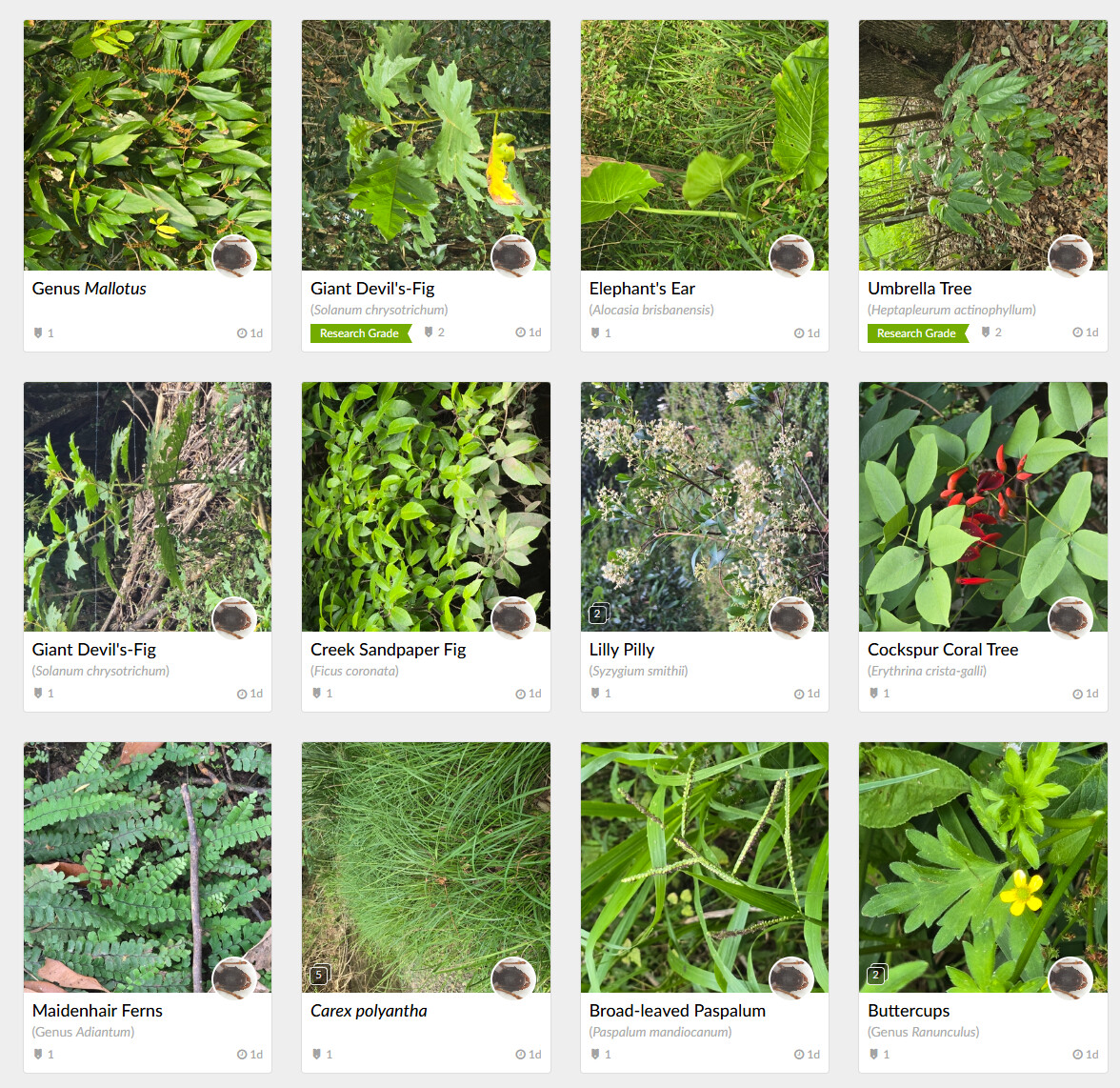
Description of problem: All of my images are suddenly being posted rotated 90 degrees counter clockwise. I think this started 6 days ago. Using Galaxy S24.
Hi,
I had the same problem with a Redmi Note 9 Pro. I remembered that when the camera crashed with the “Seek by iNaturalist” app, the message “Software unable to communicate with camera, screen rotation communication error” appeared. So I first disabled automatic screen rotation, and it still crashed. Then I remembered that when I factory reset my smartphone, I enabled automatic rotation for the first photo. I disabled this setting, and even with iNaturalist, the photos come out as I want them to, without rotation.
Sorry for my English, but this could be the problem with your smartphone too.
From 29 Oct 2025 onwards, your photos lack metadata. This means they will never have an EXIF Orientation tag that can be used to give the photos the correct rotation. Your earlier photos all seem to have metadata, so for example this photo from 28th Oct 2025:
has Orientation = 6, which instructs client applications to rotate the photo 90 degrees clockwise (thus in this case displaying it in portrait mode).
It appears you must have somehow changed the way you process your photos on 29th Oct 2025, so that the metadata is either being stripped from the originals, or not being transferred to copies (if you’re editing them).
there are multiple existing threads that discuss unexpected image rotation after upload on Samsung phones. these threads should probably be consolidated. some of those offer possible ways to work around the problem.