Error when opening Traditional Projects

Platform: Website

Browser, if a website issue: Opera, Chrome, Safari

URLs (aka web addresses) of any relevant observations or pages: https://www.inaturalist.org/projects/first-known-photographs-of-living-specimens

Screenshots of what you are seeing:

Description of problem:

Step 1: Go to the homepage of any traditional project

Step 2: A pop-up saying something went wrong immediately appears

Step 3: When you click ok, elements of the display are broken

Noting that for some of the projects I’ve tested, I clicked ok, and then the same dialogue box immediately reappeared and I had to click ok again to get it to disappear

I’ve tested 15+ projects, all are affected, but collection projects are fine

1 Like

I can replicate, made a github issue and let our engineers know: https://github.com/inaturalist/inaturalist/issues/4638

2 Likes

Thanks for reporting. This was related to some changes released earlier today. We just release a fix that hopefully addresses this problem. Please let us know if you are still experiencing problems with traditional projects.

3 Likes

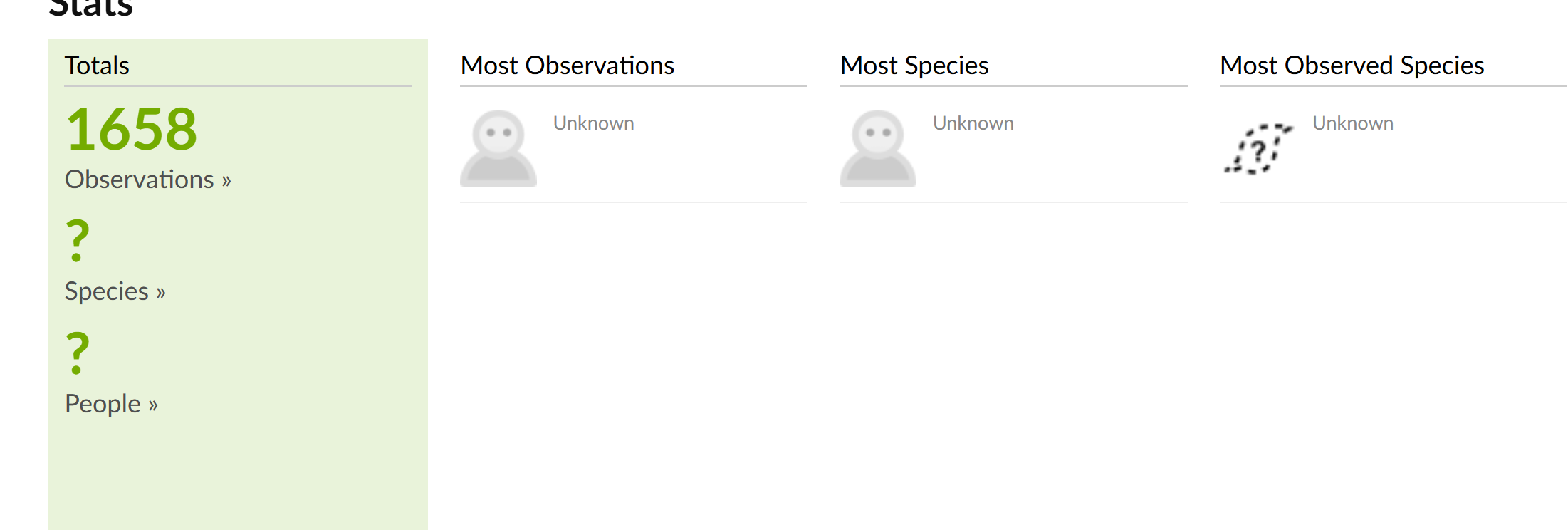
the error is gone, but the thumbnails for the most observed species are broken

Most observed not working for me either:

Taxon photo thumbnails for most observed taxa should now also be restored. Does that look OK on your end?

3 Likes

all good now, thanks Patrick

2 Likes

Thank you!

1 Like