Description of problem: I am trying to create an export of my project’s data so that I can summarize this year’s data for some end of year reporting, but when I create the export it will not include the project-specific observation fields.
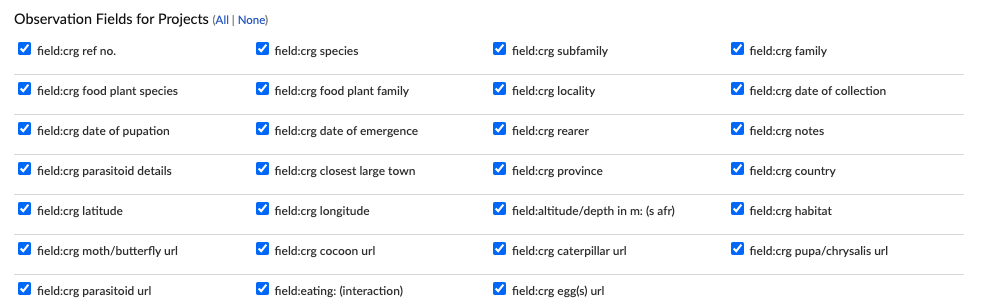
Step 1: Define what I would like to export by checking the relevant boxes
Step 2: Create export
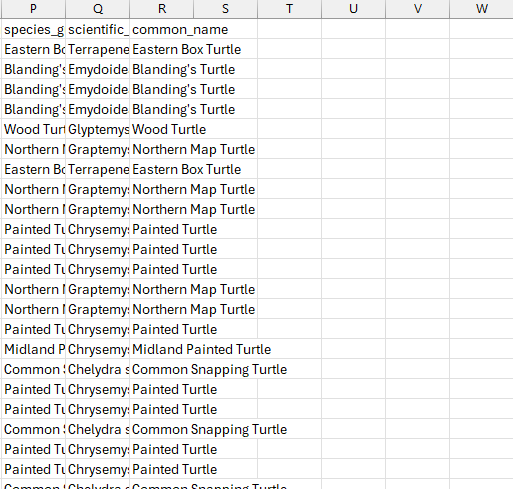
Step 3: Open downloaded .csv file and see that it does not include the relevant fields
When I selected the observation fields from the project observation fields section, I didn’t get them in the spreadsheet, but when I also selected them from the general observation field section, they did show up in the spreadsheet.
You can see in the second screenshot that the final column included in the downloaded csv file was common name. Regardless of whether or not people answered a project-specific question when submitting an observation, I would expect that there would be a column on the download that shows the answers (or lack thereof) for the questions I selected.
The thing I am trying to solve is that those columns aren’t even showing up.
Have you tried downloading again? Or maybe you can provide more info about your process. As I mentioned above, the download worked fine for me using the general instructions you gave - all the columns were included, though 6 of the 8 were missing/contained no data for many observations.
I suspect it only happens when the observation fields are both in your recent fields list and also in the project list. They made some changes to that code recently. https://github.com/inaturalist/inaturalist/issues/4652
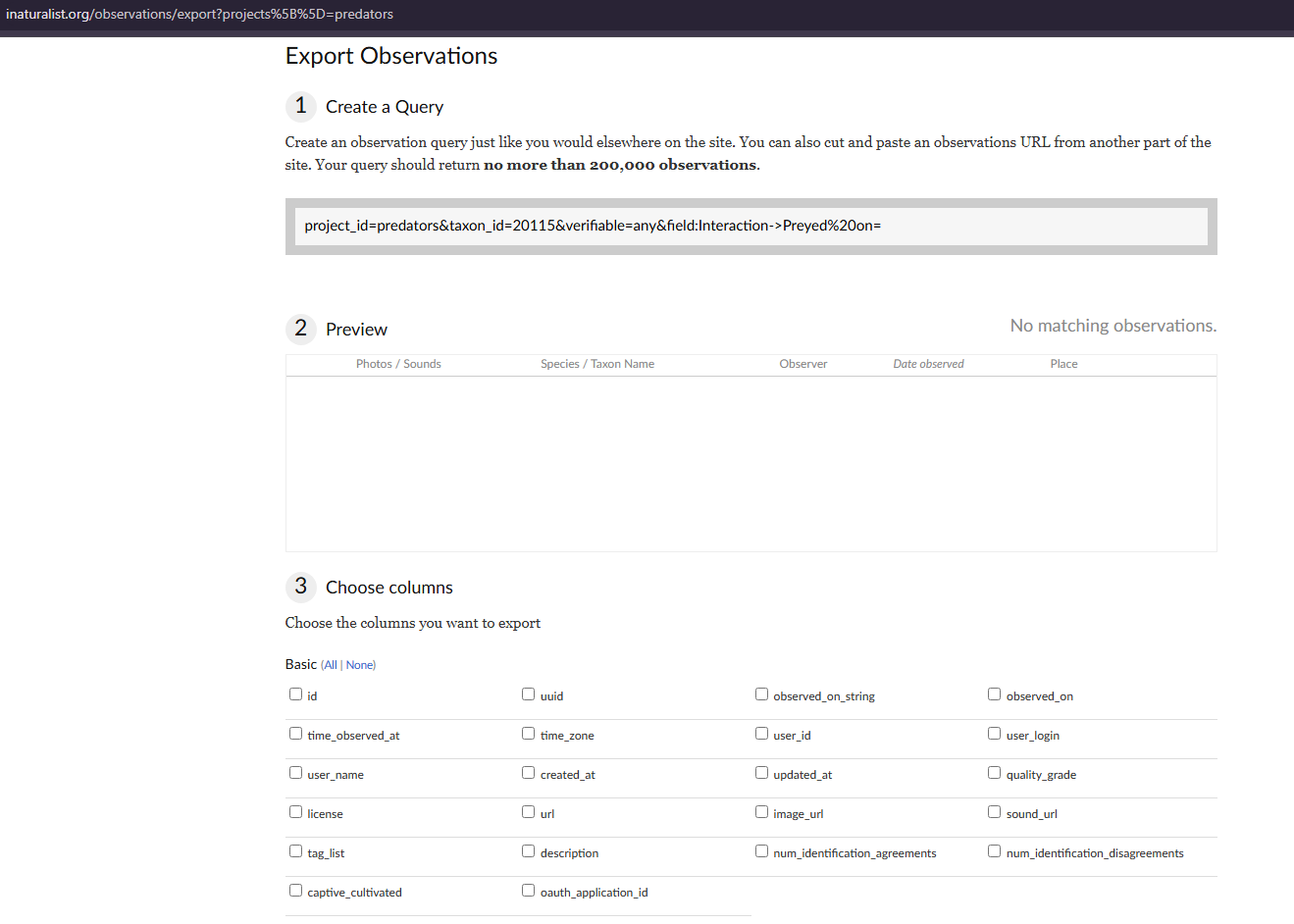
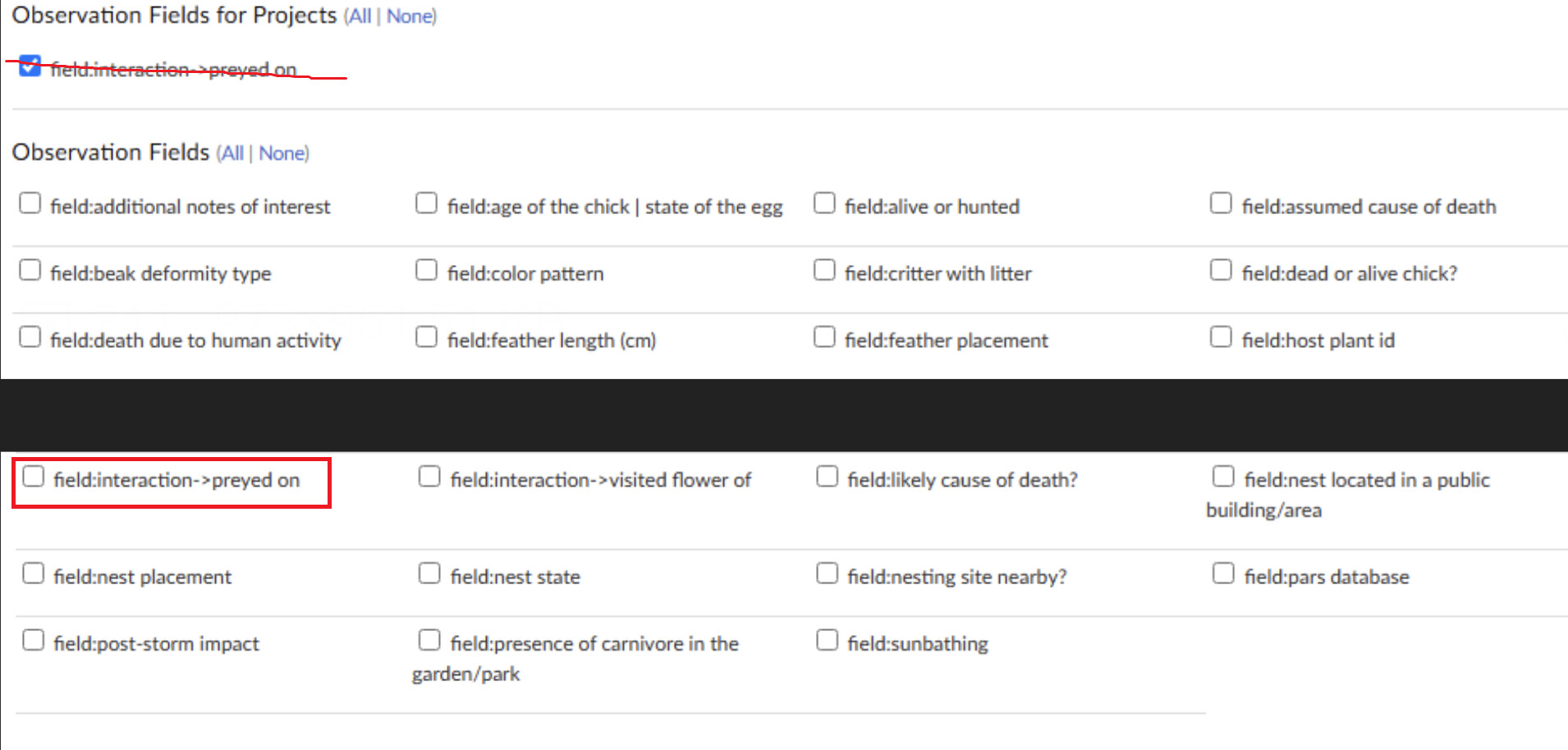
I’m experiencing the same issue. I’m just trying to download the ‘field:interaction->preyed on’ for powerful owl observations from the Predators Project. I’ve tried multiple times (with different queries) and the last time I ended up getting a bunch of stuff that I didn’t click:
It also works (as in, there’s only 1 column for ‘field:interaction->preyed on,’ so it might just ignore the ‘Observation Fields for Projects’ section).